The Trigger a Recurrence feature allows you to manually generate orders from a started recurrence without waiting for the scheduled recurrence time.
Steps to Trigger a Recurrence
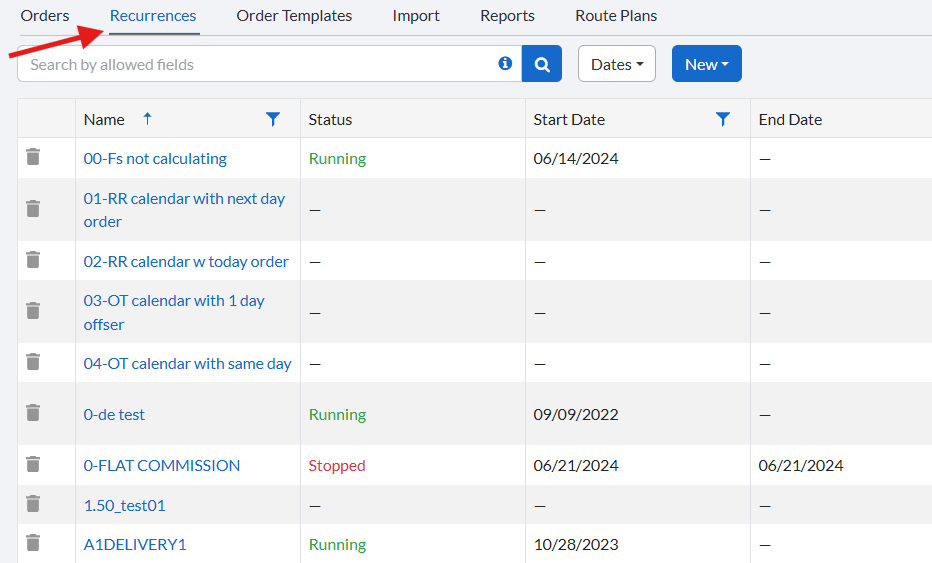
Navigate to Orders > Recurring Orders.
Open the recurrence you want to trigger by clicking on its name.
Within the recurrence, click the dropdown beside Save and select Trigger Now.
Notes
- The Trigger Now option is only available for recurrences that are already in a Started state.
Related Articles
- Recurring Orders Overview
- Start a Recurrence
- Trigger a Recurrence
- Duplicate a Recurrence
- Delete a Recurrence
- Order Template Views
Was this article helpful?
That’s Great!
Thank you for your feedback
Sorry! We couldn't be helpful
Thank you for your feedback
Feedback sent
We appreciate your effort and will try to fix the article