HERE WeGo Navigation Support
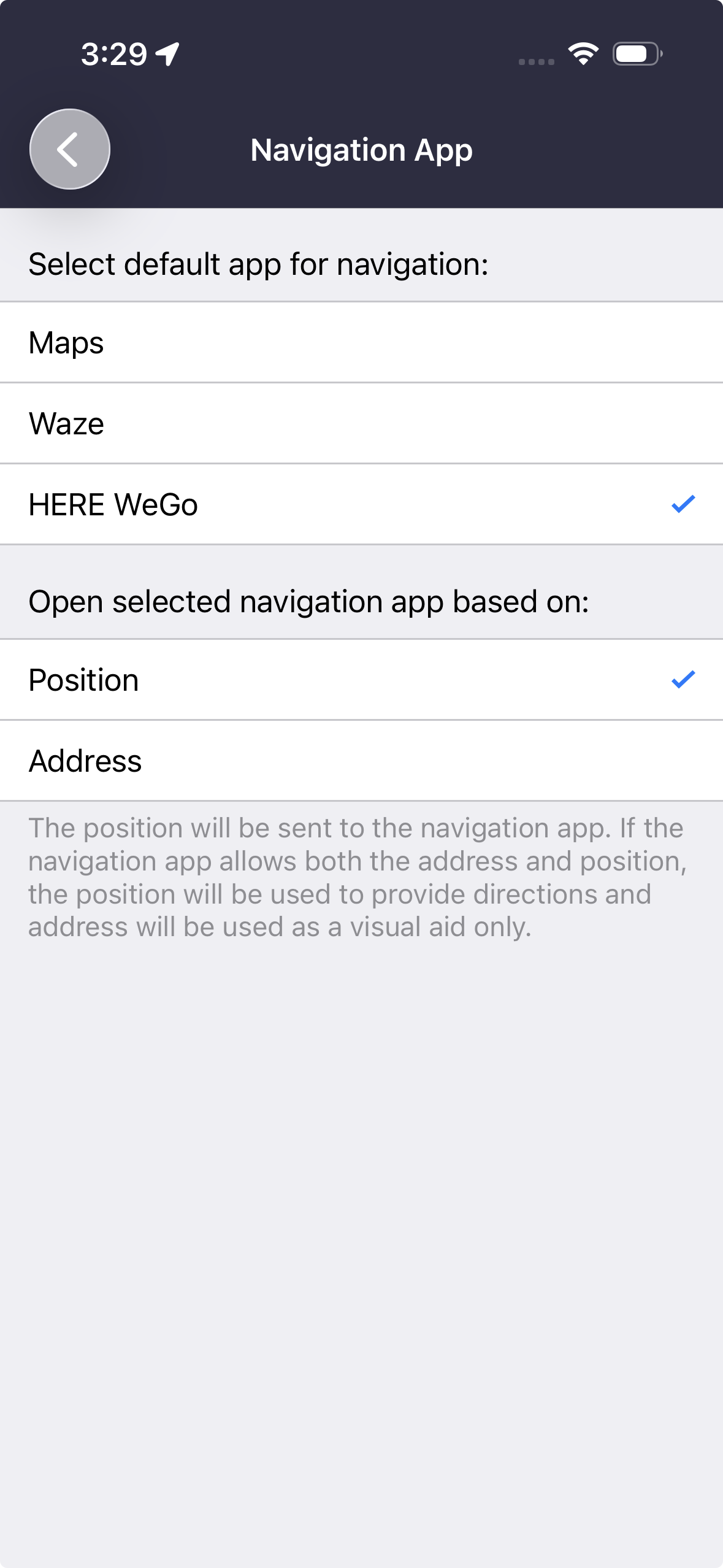
When you select HERE WeGo as your navigation app in the Driver App, tapping "Navigate" on a stop will open HERE WeGo directly with the route to that stop, in driving mode. This removes the need to manually copy the address into a separate navigation app.
HERE WeGo only appears as an option in the navigation app picker if it is already installed on your device. Your selection is saved and stays applied across app sessions, the same way it works for the other navigation apps (Waze, Google Maps, etc.). If HERE WeGo is uninstalled after being selected, the app automatically falls back to native navigation.
This option is available on both iOS and Android.
Was this article helpful?
That’s Great!
Thank you for your feedback
Sorry! We couldn't be helpful
Thank you for your feedback
Feedback sent
We appreciate your effort and will try to fix the article